How to Fix the City and District Issue for Shopify Stores in Turkiye 🇹🇷
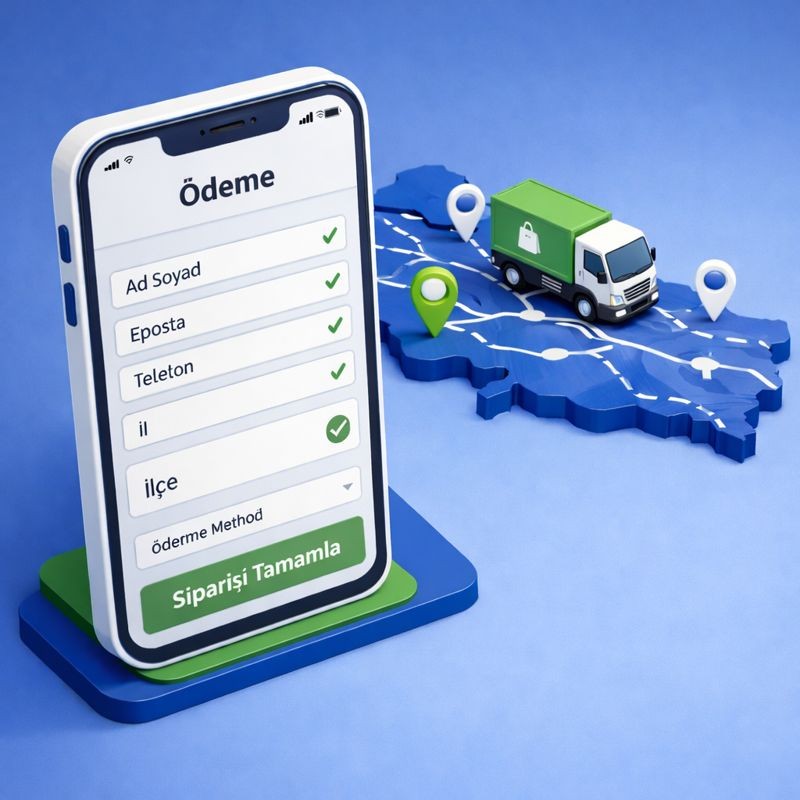
If you are running a Shopify store in Turkiye, you have likely encountered the "City/District" (İl/İlçe) headache. Shopify’s global address format often struggles with Turkiye’s specific hierarchy, leading to failed shipments and frustrated customers.
1. Understanding the Problem
In Turkey, logistics depend on a strict Province (İl) > District (İlçe) > Neighborhood (Mahalle) structure.
The Shopify Conflict: Shopify's default "City" field is typically used for the Province (İl). However, Turkish cargo carriers (like Aras, Yurtiçi, or PTT) require a separate "District" (İlçe) value to generate a shipping label.
The Consequence: If a customer leaves the district out or writes it in a random field, your shipping integration will fail to create a label, forcing you to fix it manually.
2. Step-by-Step Solutions
A. Renaming Fields via the Language Editor (Recommended)
This is the most effective way to guide your customers without changing any code.
Go to Online Store > Themes.
Click the three dots (...) next to your active theme and select Edit default theme content.
Search for "City" and change the translation to "İl".
Search for "Address2" and change it to "İlçe".
By making these labels specific, you reduce human error by over 40%.
B. Optimizing Market Settings
Ensure your Shopify Market settings are configured to capture the right data:
Go to Settings > Markets > Turkey.
In the Customer Information section, ensure that the fields you renamed (like Address2) are set to Required if your shipping app needs that data specifically.
C. Using a Shipping Gateway Integration (OTO Global)
The most professional way to handle this is through an automation tool like OTO Global.
Automatic Parsing: OTO’s system is designed to recognize Turkish address patterns. It can automatically extract the District from address2 field, please inform OTO Team about the settings you applied.
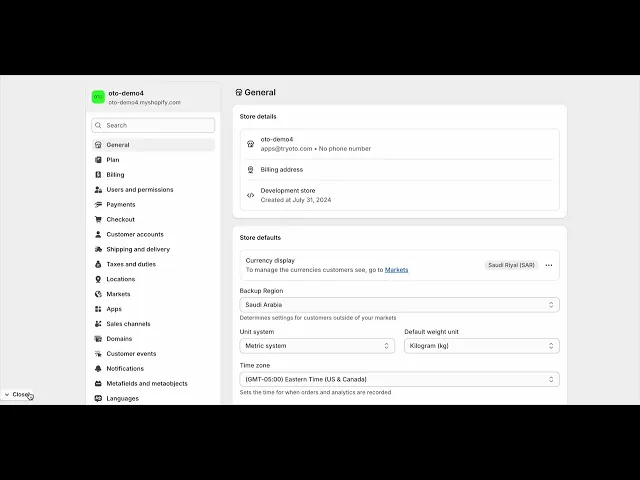
Watch our youtube video for this:
3. Advanced Fix: For Shopify Plus Users
If you are on Shopify Plus, you can use Checkout Extensibility to add a dynamic dropdown menu. This allows customers to select their Province from a list, which then triggers a second list of only the valid Districts for that province. This completely eliminates manual entry errors.
Why Fixing This is Critical for Your Business
Lower RTO (Return to Origin) Rates: Correct addresses mean fewer undeliverable packages and lower shipping costs.
Faster Fulfillment: No more manual address editing. You can print 100 labels in seconds instead of hours.
Professionalism: A checkout page that "understands" Turkish addresses builds immense trust with local shoppers.

Nazlı Çeşitcioğlu